OpenAI Codex with Ollama
January 15, 2026
Open models can be used with OpenAI’s Codex CLI through Ollama. Codex can read, modify, and execute code in your working directory using models such as gpt-oss:20b, gpt-oss:120b, or other open-weight alternatives.
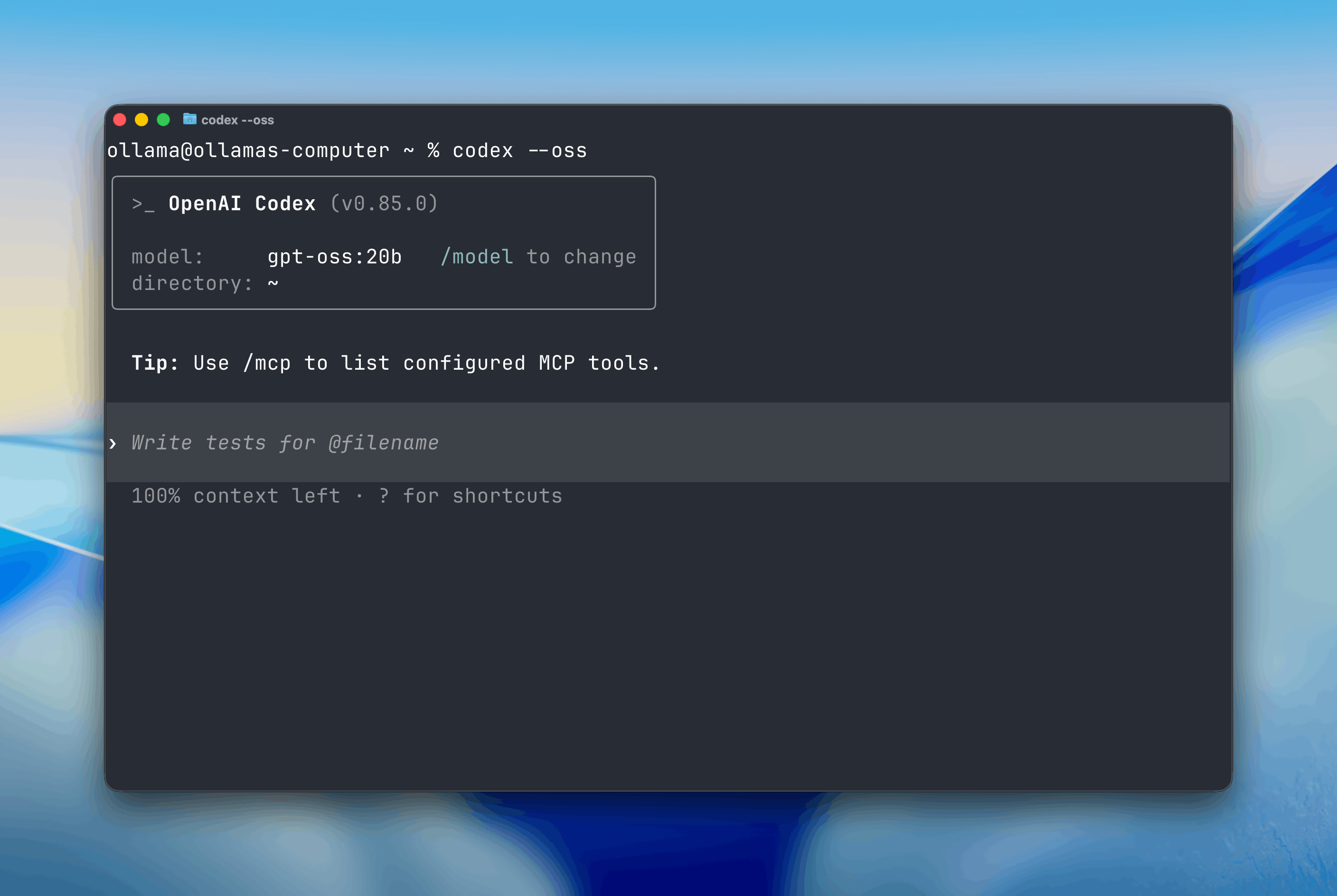
Get started
Install Codex CLI:
npm install -g @openai/codex
Start Codex with the --oss flag:
codex --oss
By default, Codex will use the local gpt-oss:20b model.
Note: Codex requires a large context window. We recommend at least 32K tokens. See the documentation for how to adjust context length in Ollama.
Changing models
You can switch to a different model using the -m flag:
codex --oss -m gpt-oss:120b
Cloud models
All models on Ollama Cloud work with Codex.
codex --oss -m gpt-oss:120b-cloud
Learn more
For more detailed setup instructions and configuration options, see the Codex integration guide.